 EN
EN
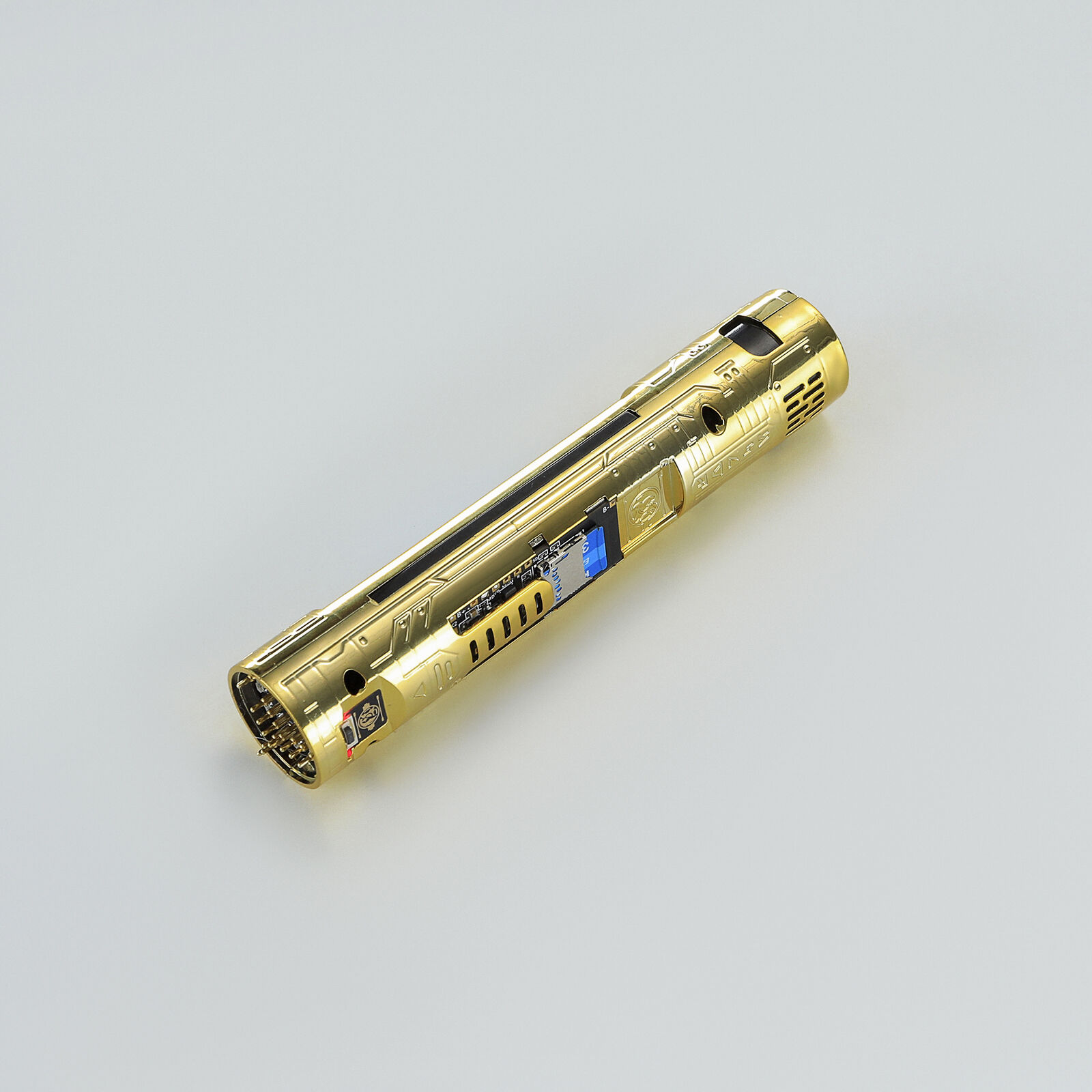
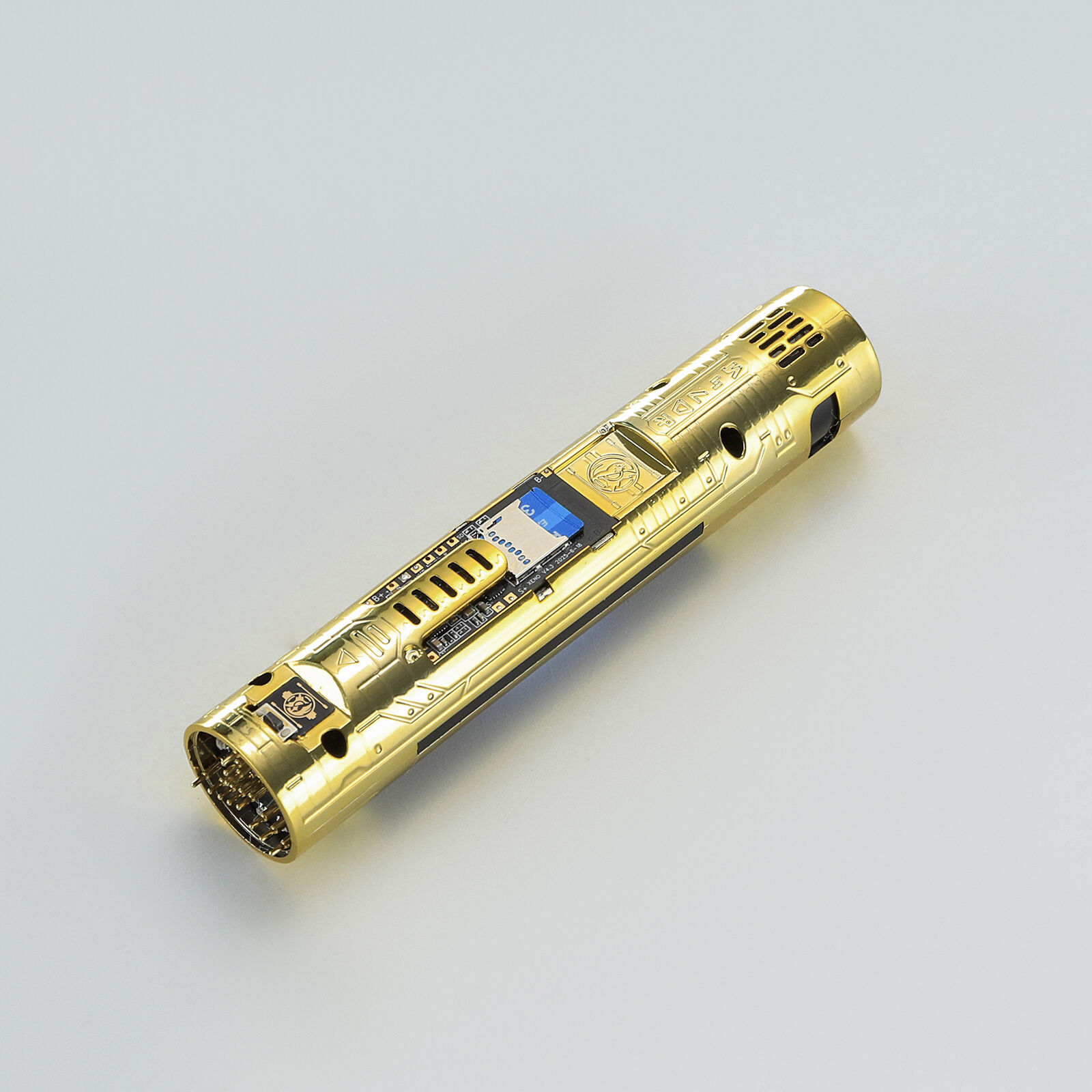
Xenopixel firmware updates is important for anyone who love lightsabers. Our company make high-quality lightsabers that not just cool to see but also fun for using. These updates help improve how the lightsabers operate. By keeping firmware up to date, users can enjoy better sound effects, smoother blade moves, and more choices for customizing. That means when you buy a lightsaber from us, you get a product that always get better. This is good news for wholesale buyers too, because they can offer customers the newest features without buy new lightsabers each time an update come.
What Common Usage Issues to Expect After a Xenopixel Firmware Update
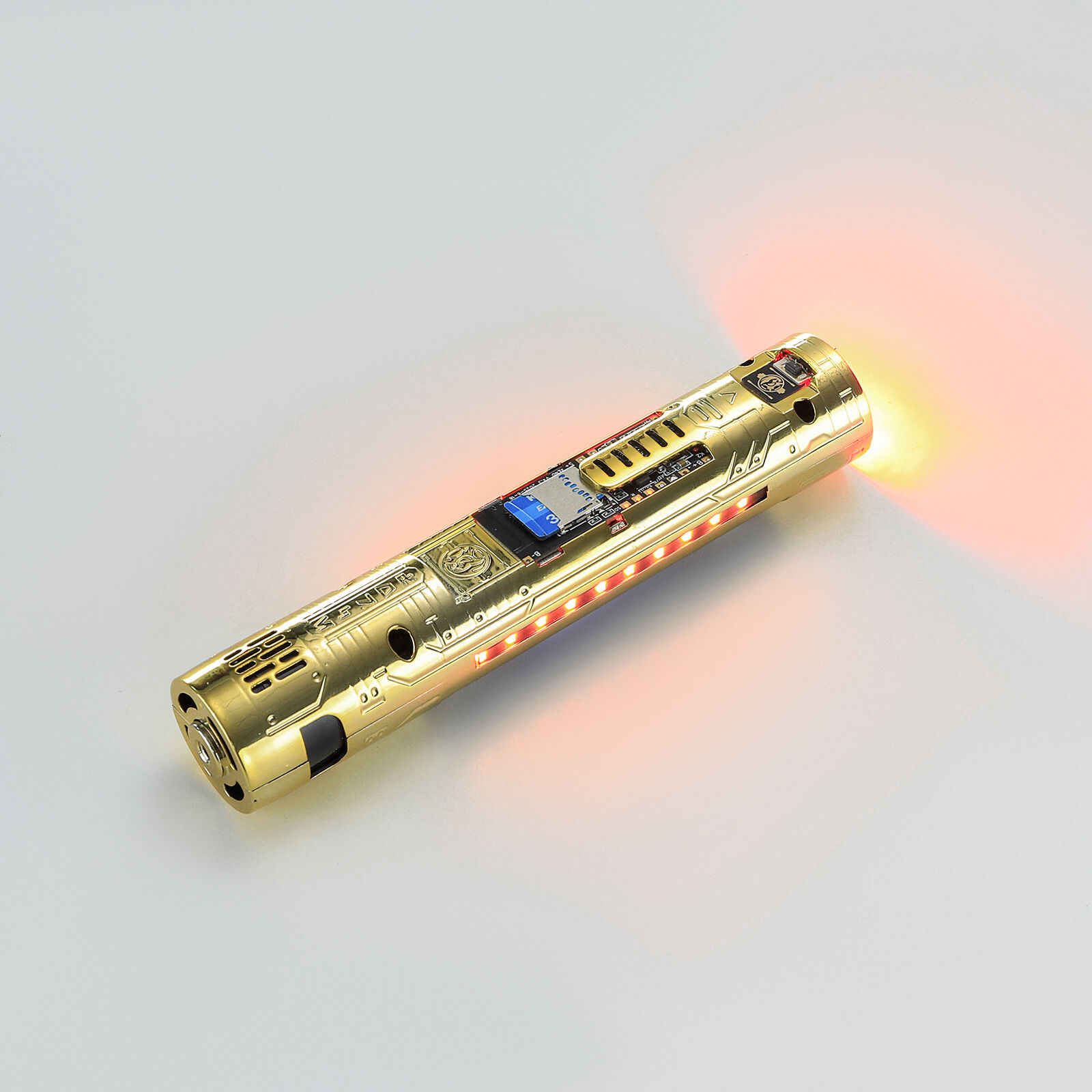
How to Successfully Update Xenopixel Firmware for Optimal Performance? Updating the Xenopixel firmware might seem tricky, but it's actually quite easy. First, you need gather the right tools. You will need a computer, a USB cable, and the latest firmware file. You can find this file on our website. Once you have everything, plug the lightsaber into your computer with the USB cable. Open the firmware update program, which will guide you through steps. It’s important to follow instructions carefully. If you skip any, the update might not work right. After load the firmware file into the program, click the update button and wait for it to finish. This can take few minutes, so be patient! Once the update is done, unplug your lightsaber and turn it on. You should notice the new features immediately. It’s exciting to see how much better it perform! If you run into issues, don't worry. Our customer service team is always ready to help. They can guide you through the process or fix any problems you face. Keeping the firmware updated not only enhance performance but also ensure that your lightsaber stay fun to use. So, check for updates regularly, and enjoy your awesome lightsaber!