 EN
EN

System IV:Lightsaber Core User Interface & Feedback
This system defines how the user communicates with the lightsaber (Input) and how the lightsaber responds via Sound, Light, and Vibration (Output).
1. Speaker (Acoustic System)
Specifications
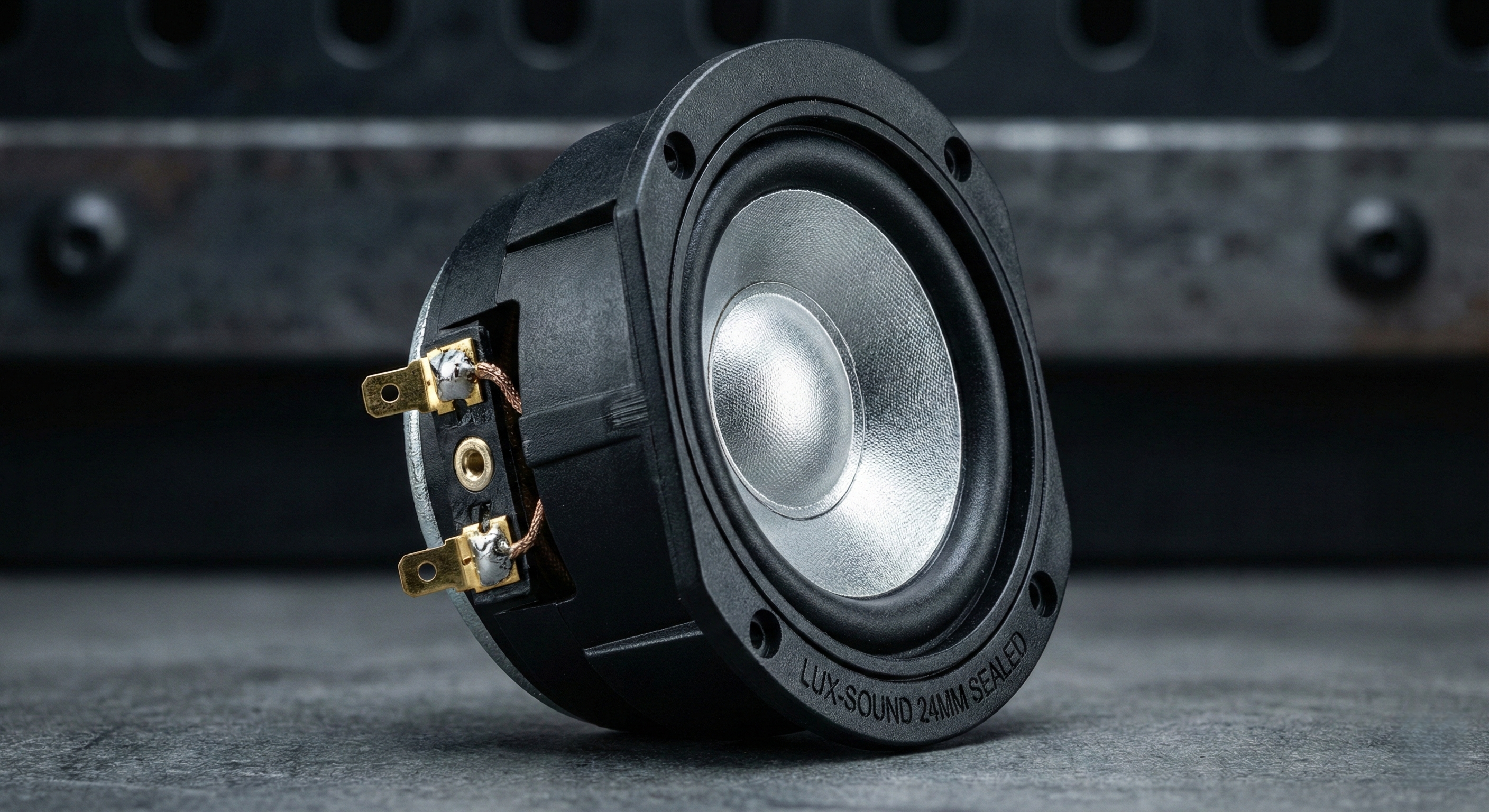
Size: Common diameters include 18mm ,20mm, 22mm, 24mm, and 28mm.
Impedance/Power: Typically 4ohm/2W or 3W.
The Physical Limit: 18mm is the industry minimum. Any speaker smaller than 18mm cannot physically move enough air to produce acceptable volume or frequency response. It sounds tinny and weak.
Acoustic Chamber Design
The Physics of Sound: A speaker needs a sealed enclosure to separate the sound waves from the front and back of the diaphragm. Without this, "Phase Cancellation" occurs, killing the bass.
Premium Solution: Thick-Walled Sealed Speakers. These units come with their own integrated, heavy plastic housing. They offer the best bass depth.
Standard Solution: If a pre-sealed speaker is too large, the Chassis itself must act as the resonance chamber. The chassis design must tightly seal around the speaker edge to prevent air leakage.
2. Switch (Control Logic)
Hardware Distinction
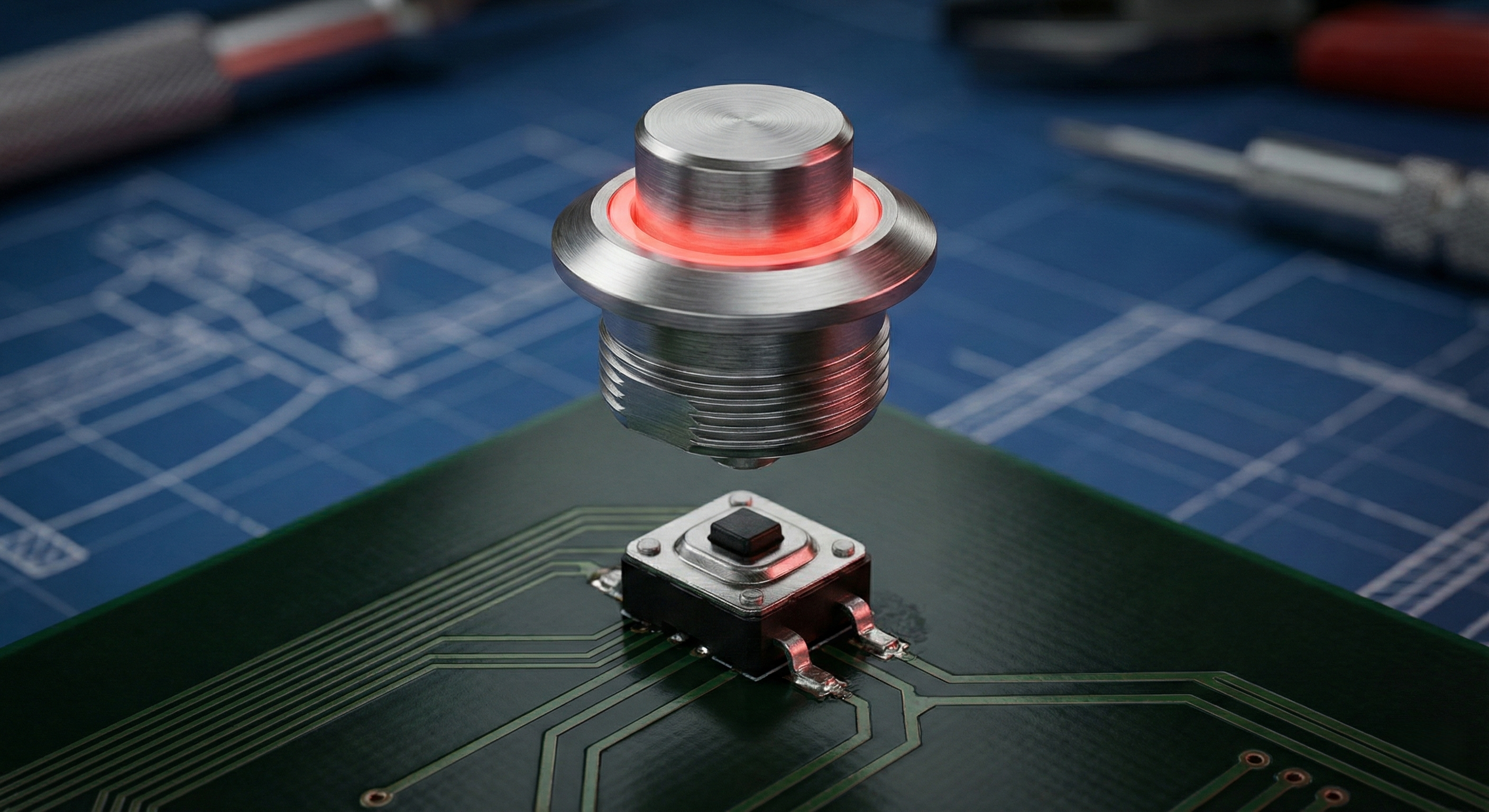
Tactile Switch (SMD): The actual electronic component soldered on the PCB.
Plunger (Actuator): The mechanical rod or button cap on the hilt that physically presses the Tactile Switch.
Button Configuration Analysis: Single vs. Dual
|
Dimension |
Single Button |
Dual Button ( Power/Aux) |
|
User Operation |
Complex.Requires gestures (Twist), Long Press, Double Click to access functions. |
Simple. Dedicated buttons for Power and Functions (Blaster/Lockup). Easy for beginners. |
|
Manufacturing
|
High Efficiency. Only 1 hole to drill, 1 switch to align/solder. Fast assembly. |
Low Efficiency. Requires 2 holes, 2 switches. Increases machining time and wiring complexity. |
|
After-Sales |
Low Rate. Fewer mechanical parts = Fewer failures. |
High Rate. "More buttons = More problems." Double the risk of a switch failing or getting stuck. |
Visual Feedback
Illuminated Switch (Ring LED): Used on Integrated Cores. The button itself lights up.
Dynamic Color: High-end switches use RGB LEDs that sync with the blade color (e.g., Red blade = Red button), creating a cooler, unified effect compared to fixed monochrome buttons.
3. Visual Interface (Display Screens)
LED Matrix Display
Effect: Uses a grid of individual dots to form simple patterns.
Vibe: Creates a Retro / Cyberpunk / Industrial aesthetic. Simple but visually distinct.
OLED Display
Effect: High-resolution screen capable of showing detailed menus, voltage status, font names, or animations.
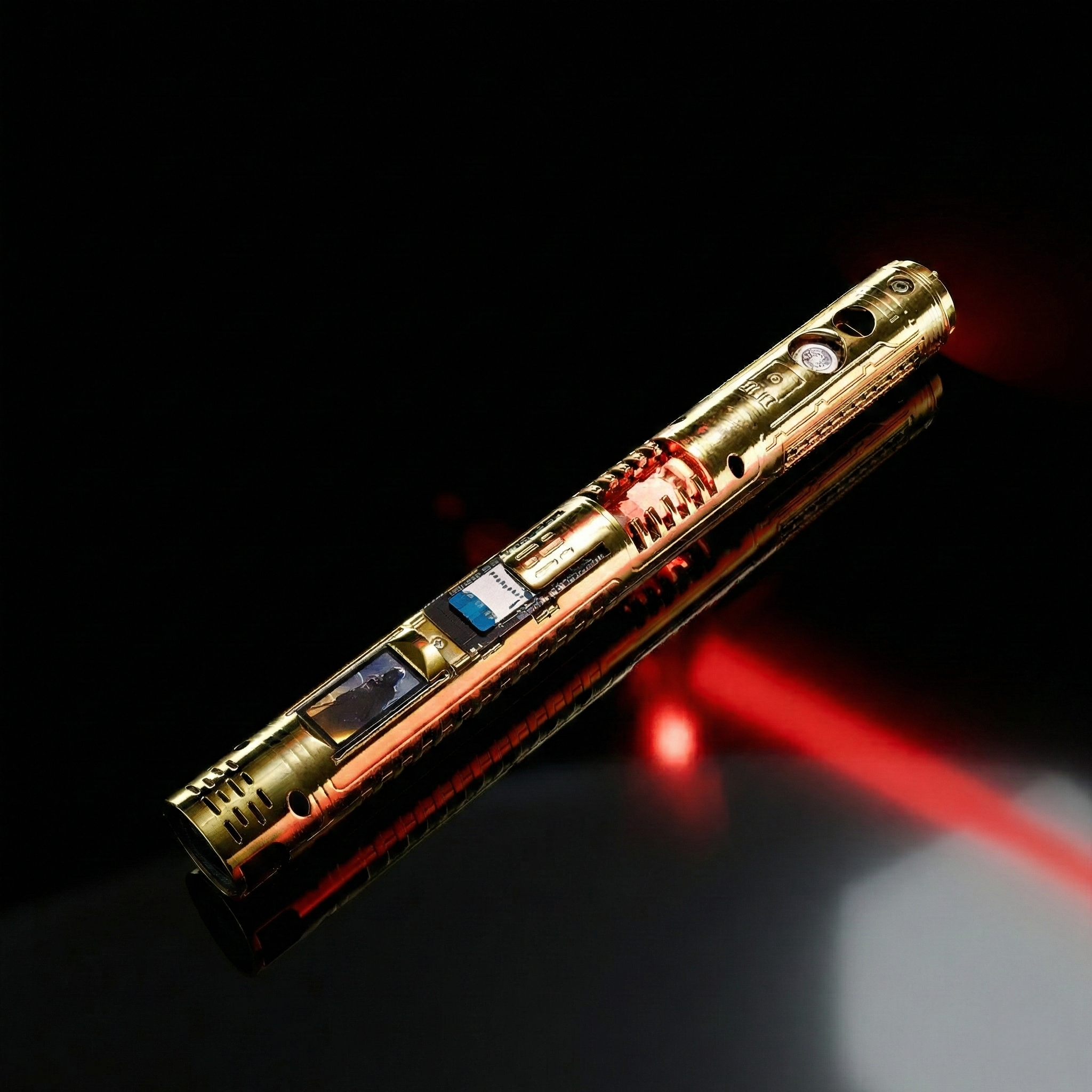
Video Capability: With a powerful MCU (like ESP32/STM32), an OLED screen can even Play Video Clips, taking the "Cool Factor" to the maximum level.
4. Haptics & Kinetics (Motors)
Vibration Motor (Haptic Feedback):
Function: Provides physical vibration during Ignition, Clash, and Lockup.
Immersion: It makes the saber feel "alive" in the hand, simulating the hum of energy.
Rotary Motor (Kinetic Movement):
Function: Used specifically for Crystal Chambers. It physically spins the crystal assembly.
Visuals: Adds dynamic mechanical movement to the internal chassis, making it look like a functioning engine.